MacBook wallpapers
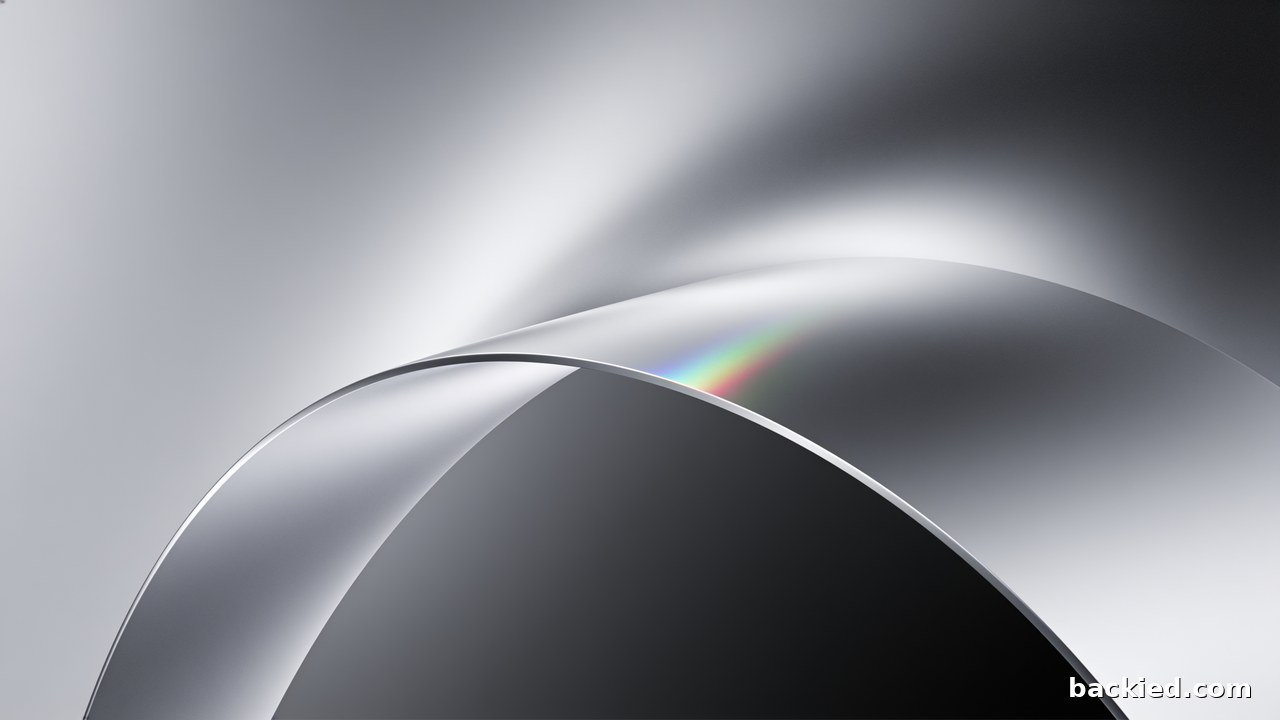
The desktop files are 5120×2880, larger than any MacBook display, so they stay sharp on every Air and Pro. MacBook screens are a little taller than 16:9, so macOS trims a small strip from each side to fill the screen.
23 wallpapers · six themes · lossless PNG · from €5
See the packs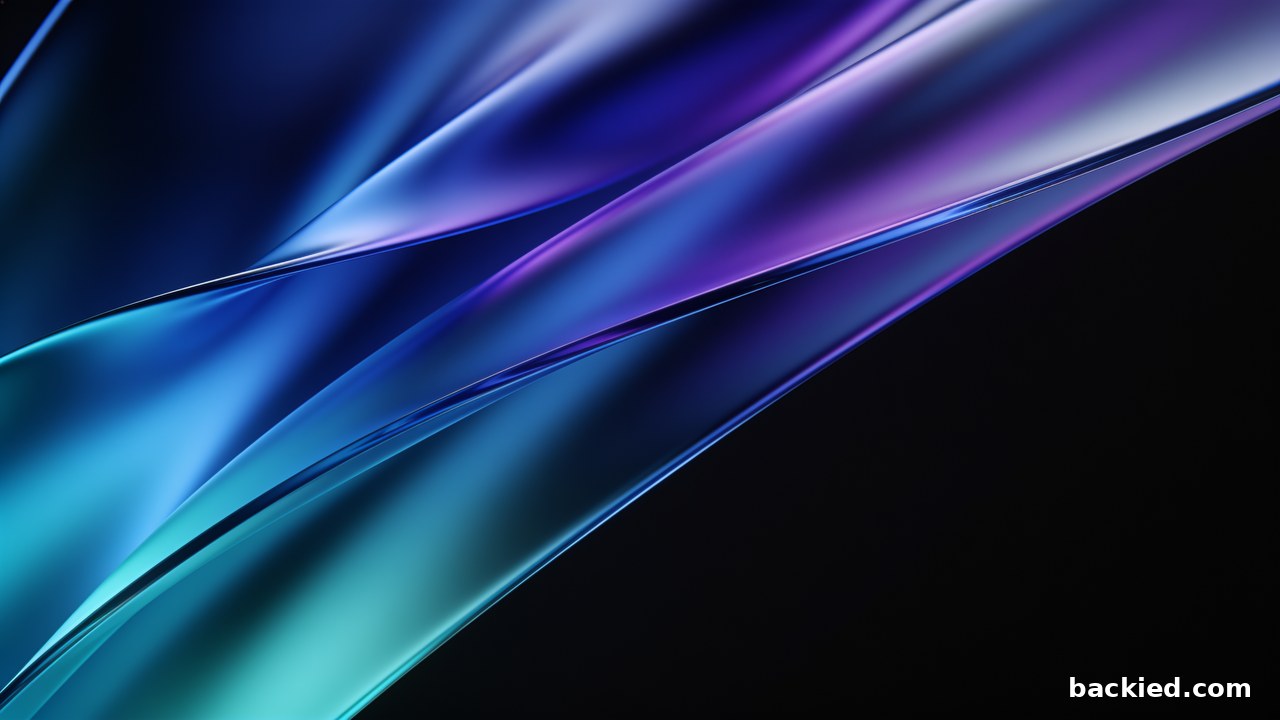
How they fit your screen
MacBook Pro 16-inch
3456×2234
Sharp; sides trimmed slightly
MacBook Pro 14-inch
3024×1964
Sharp; sides trimmed slightly
MacBook Air 15-inch
2880×1864
Sharp; sides trimmed slightly
MacBook Air 13-inch
2560×1664
Sharp; sides trimmed slightly
Packs with MacBook wallpapers
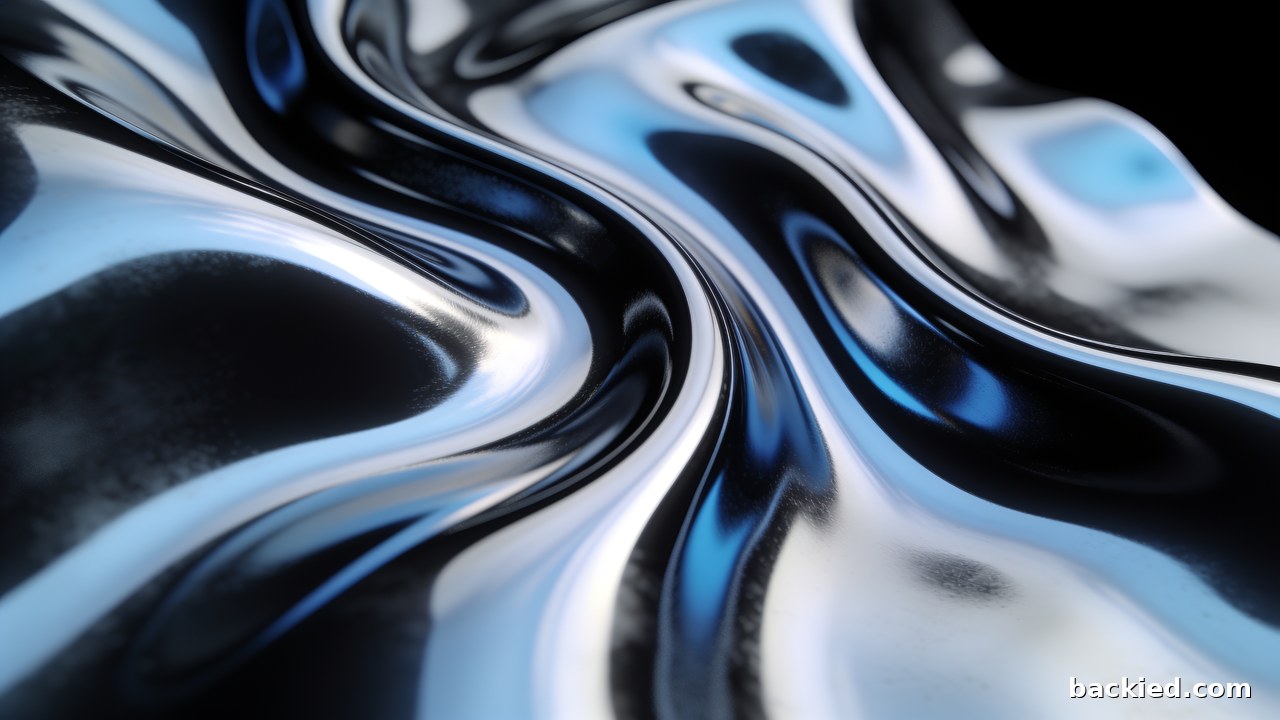
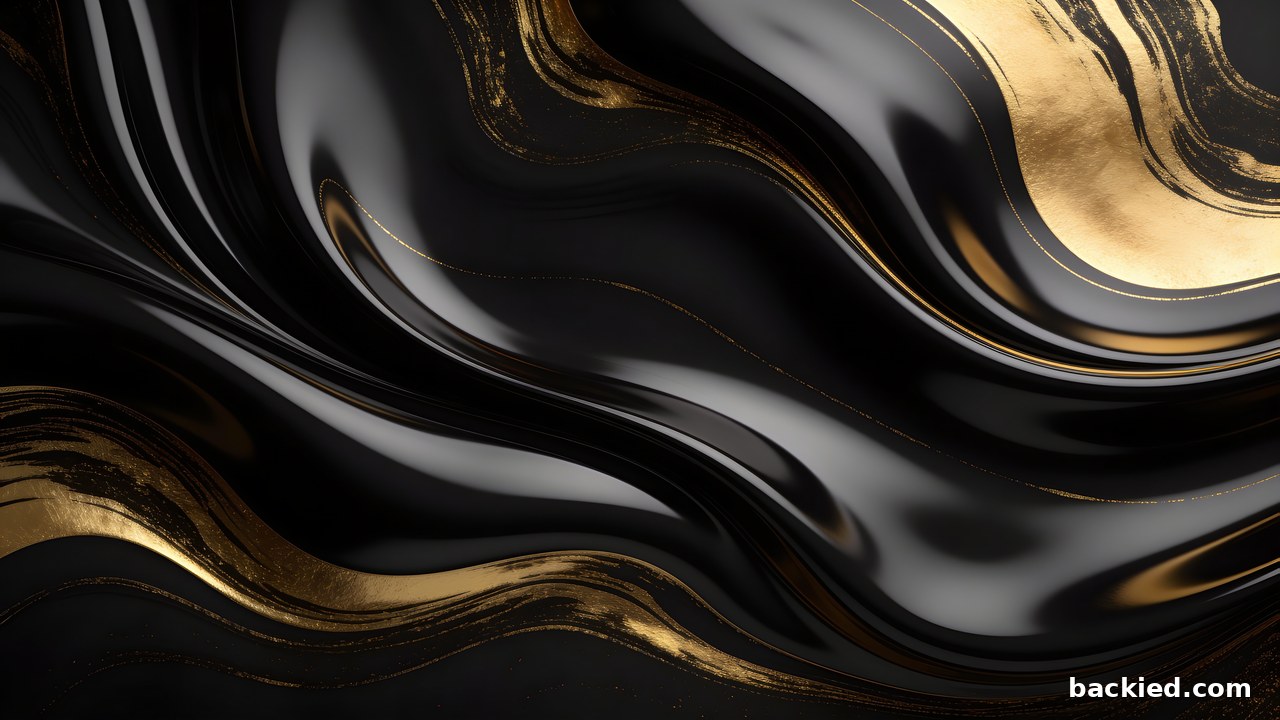

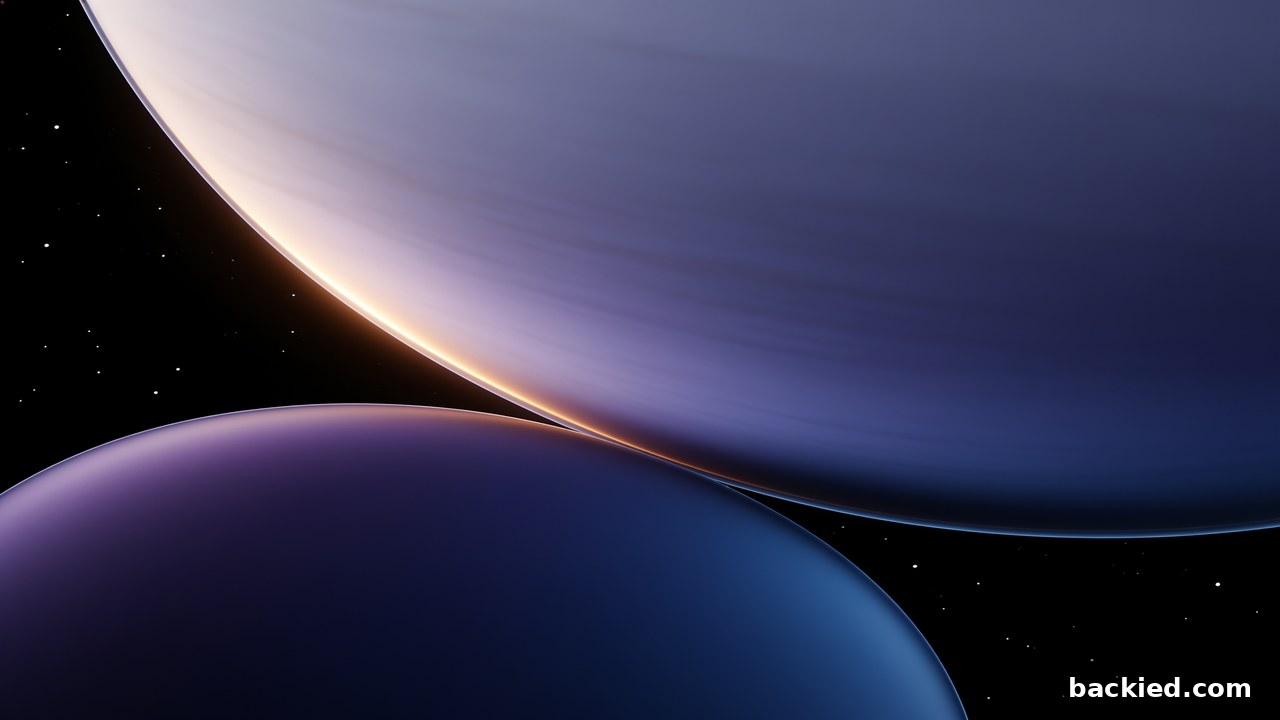
How to set it as your wallpaper
Mac
Open System Settings, go to Wallpaper, choose Add Photo or Add Folder and pick the file. Fill Screen is the default.
Questions
Why are the sides trimmed on my MacBook?
MacBook screens are about 16:10 and the wallpapers are 16:9, so filling the screen trims roughly 6% from each side. Nothing is stretched, and the files are larger than the screen, so they stay sharp.
Can I use them on an external monitor too?
Yes. The same files are native on a 5K Studio Display, and each pack also includes ultrawide versions for 21:9 monitors.